
Orchestra
Orchestra is a platform for building and managing data pipelines. It integrates with MotherDuck for scheduling DuckDB and MotherDuck tasks in repeatable data workflows.
How it works with MotherDuck
Orchestra connects to MotherDuck with the DuckDB Python client and can run scheduled SQL tasks against a configured MotherDuck database.
Prerequisites
- Access to the Orchestra MotherDuck integration. Orchestra marks the integration as beta in its docs.
- A MotherDuck database.
- A MotherDuck access token with the permissions required for the SQL Orchestra will run.
Setup
- In MotherDuck, create an access token.
- In Orchestra, create a MotherDuck integration connection.
- Enter the MotherDuck database name.
- Paste the access token.
- Use the MotherDuck Run SQL action in a pipeline.
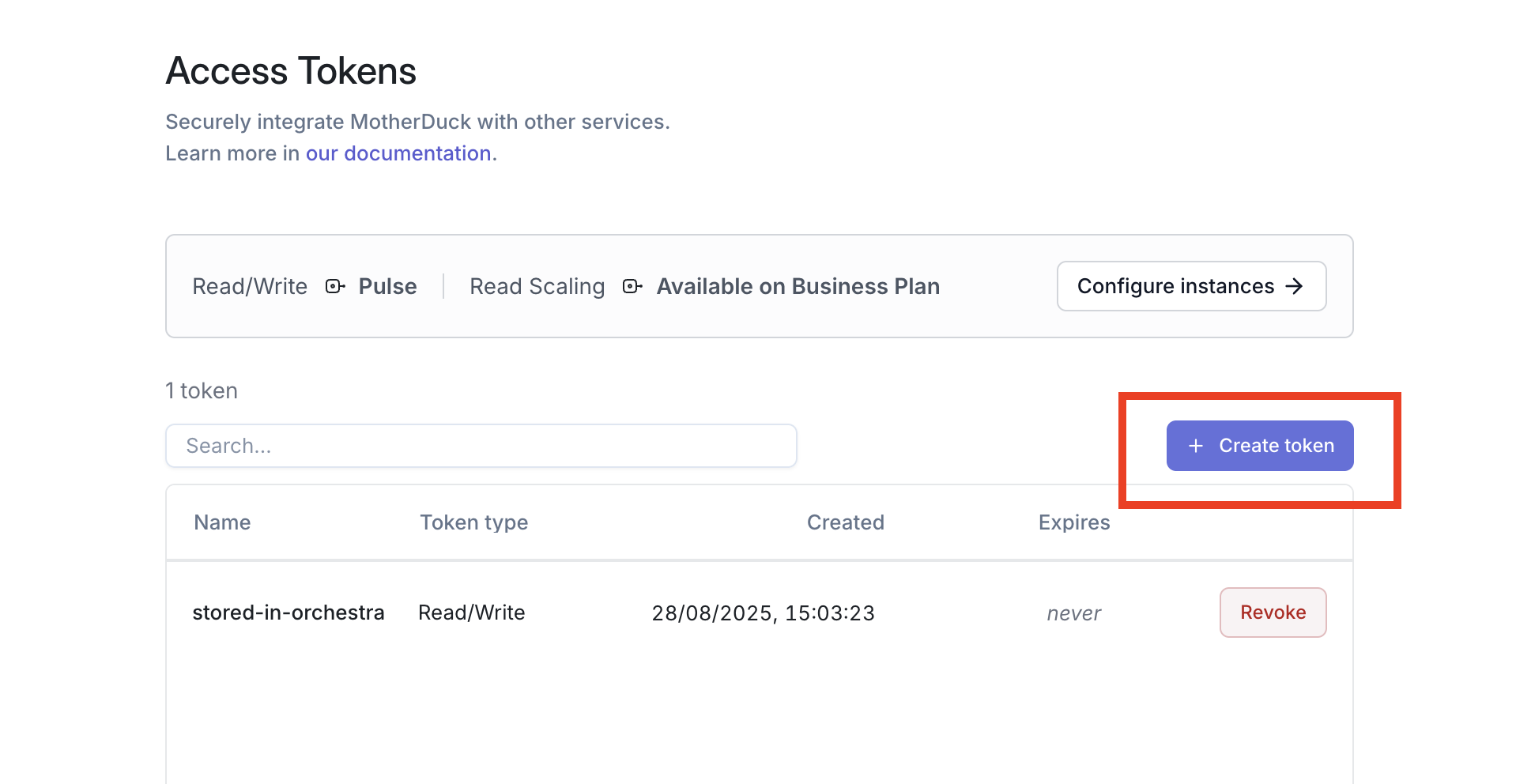
Authentication and configuration
- The required authentication parameters are the database name and access token.
- Use a dedicated token for Orchestra pipelines.
- Choose token permissions based on whether the SQL task reads only or writes data.
Important notes
- The Orchestra MotherDuck integration is documented as beta, so availability may vary by account.
- Store the token in Orchestra's connection configuration rather than embedding it in SQL tasks.
Use cases
- Schedule SQL transformations in MotherDuck.
- Add MotherDuck query tasks to larger Orchestra data pipelines.
- Run operational checks or data maintenance SQL on a schedule.