
Holistics
Holistics helps data teams set up self-service BIs that are reliable and easy to maintain. Everyone can now self-serve data with confidence by applying software's best practices. It integrates with MotherDuck for dashboards, semantic models, and embedded analytics workflows.
How it works with MotherDuck
Holistics connects to MotherDuck as a data source for semantic modeling, self-service BI, dashboards, and analytics-as-code workflows.
Prerequisites
- A Holistics workspace with permission to create data sources.
- A MotherDuck access token.
- The MotherDuck database and schemas Holistics should query.
Setup
- In MotherDuck, create an access token for Holistics.
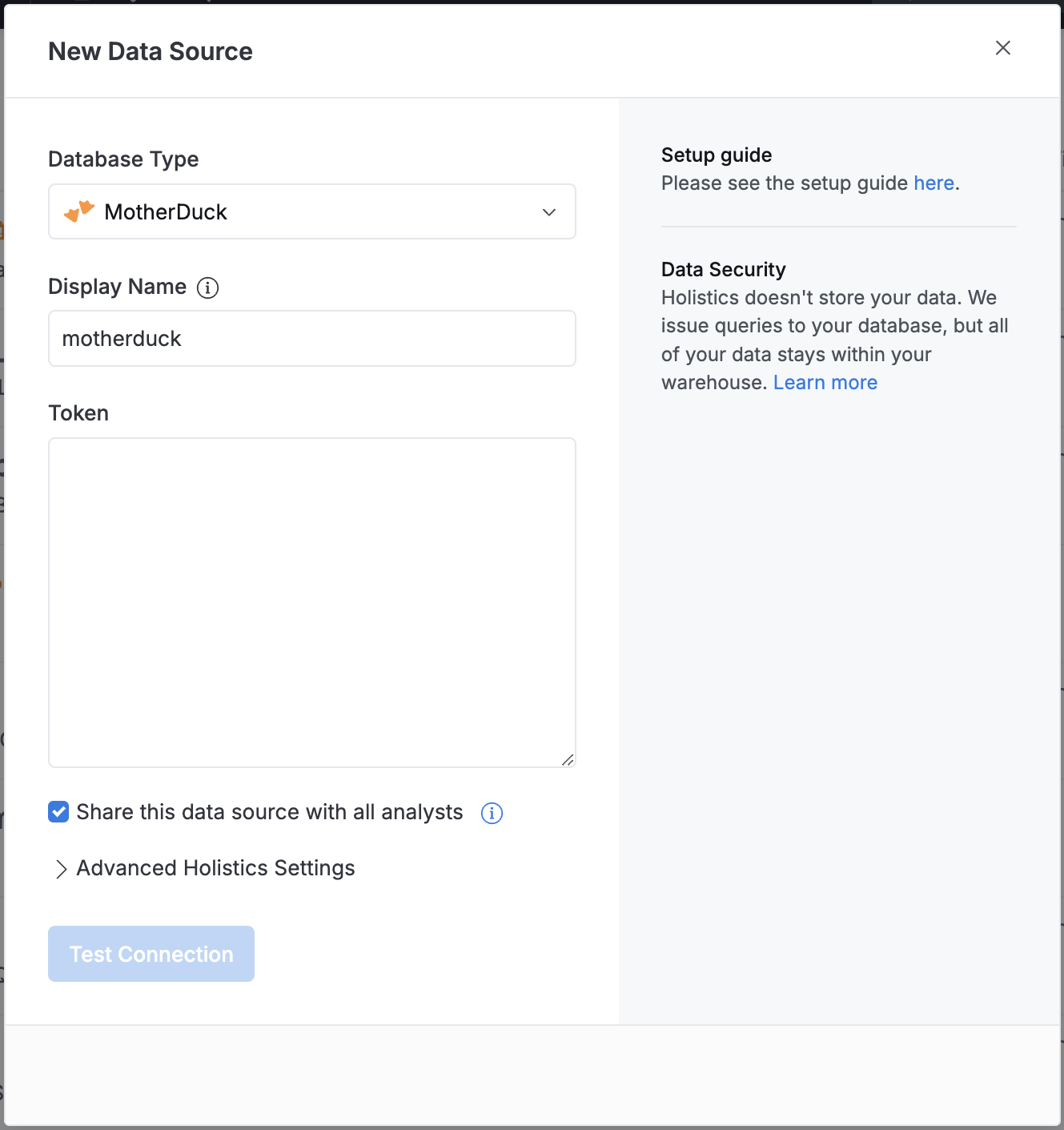
- In Holistics, open Organization Settings > Data Sources.
- Select New Data Source and choose MotherDuck.
- Enter a display name.
- Paste the MotherDuck token.
- Test and save the data source.
Authentication and configuration
- Use a dedicated MotherDuck token for Holistics.
- Select the token type based on the work Holistics needs to run. Read-only access is enough for dashboard queries.
- Share the Holistics data source only with the analysts or teams that should model and query the connected data.
Important notes
- Holistics queries MotherDuck directly; data remains in MotherDuck.
- If you model data from multiple MotherDuck schemas, confirm the token can access all of them before saving the data source.
Use cases
- Model MotherDuck data in Holistics' semantic layer.
- Build governed self-service dashboards.
- Manage BI content through Holistics analytics-as-code workflows.